VEERUM · B2B SaaS · Industrial · 2023–2024
Making industrial asset tagging 11× faster
Without a single line of new infrastructure — as VEERUM's first and only designer.
Background
I joined as the first designer, with no research practice to inherit
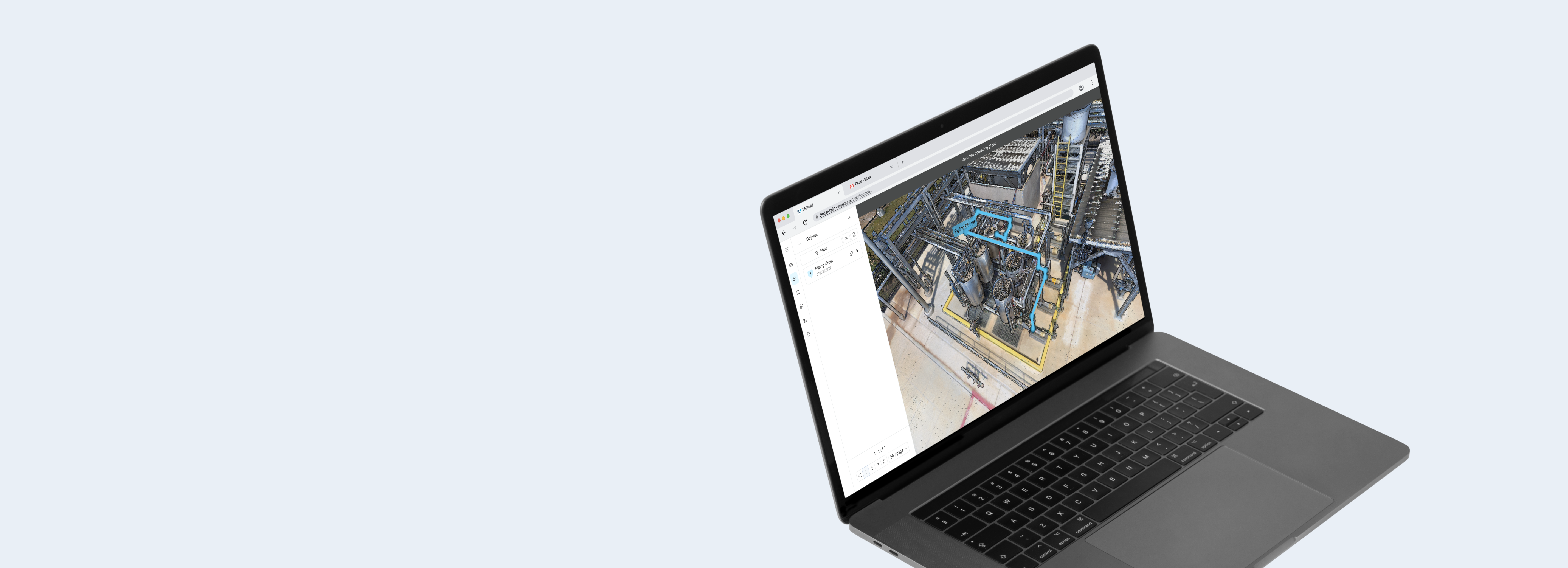
VEERUM digitises entire industrial facilities into navigable 3D environments — letting contractors tag and document assets from a browser, anywhere in the world.
I joined as their first and only designer, tasked with building a design practice from scratch and introducing user research to the product for the first time. Linear objects was the most impactful thing I shipped there.
Problem
One plant took three months
Imagine you work at an oil and gas facility. To document what's out there, someone has to physically go to the site — get certified to set foot there, fly somewhere remote up north, drive the rest of the way, suit up in full safety gear, and walk around with a stack of paper. Miss something, and you go back.
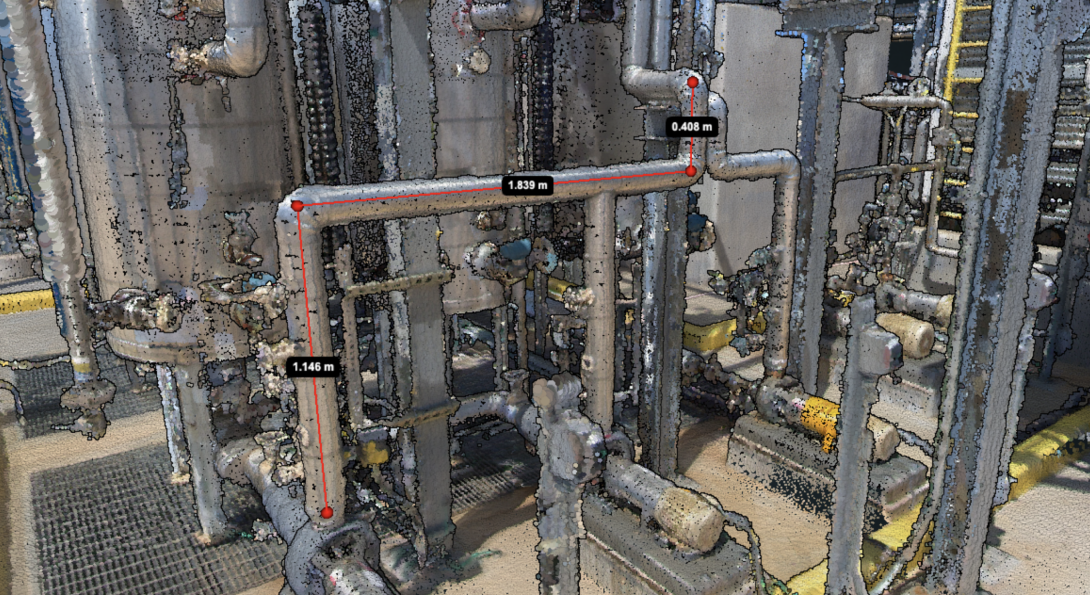
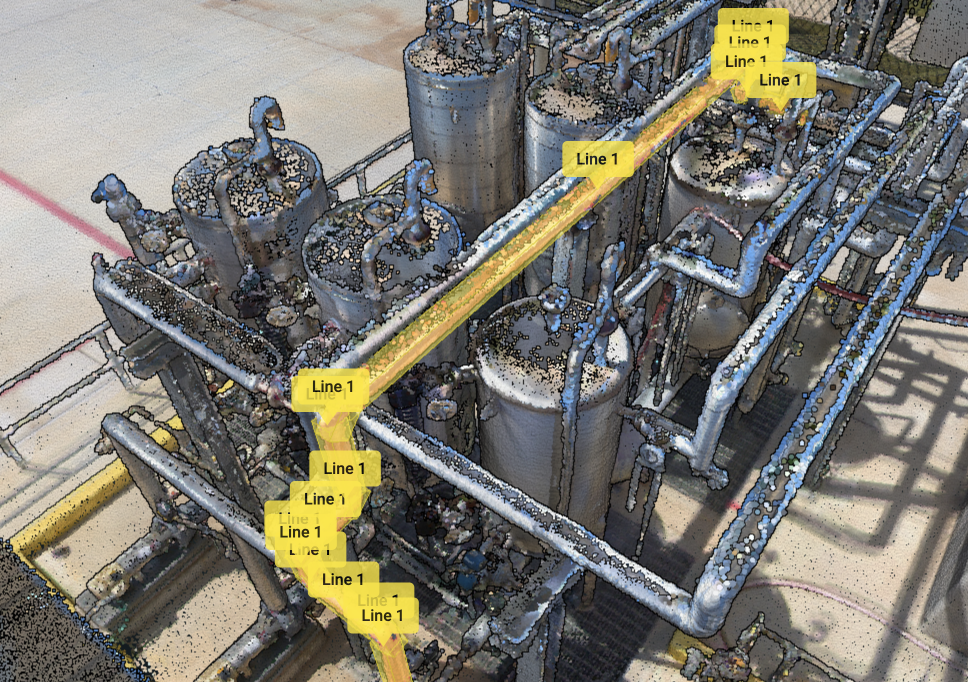
VEERUM removed the trip. But the only way to tag an asset was with a 3D cube — fine for a pump or a tank, a nightmare for anything linear. To tag one pipe you drew fifteen cubes end to end and ended up with fifteen separate tags for one asset, none of which followed its shape.
"Take Sulfur Plant 1, which took me three months to get done. If they could do that in a week we would do the whole plant."
Client interview participant
Expansion revenue, sitting on the table, gated on how long tagging took.
Ideation
I questioned the opinion everyone already had
This feature had been on the roadmap for years. Executives called it a game-changer. Everyone who worked with clients knew the problem inside out — which is exactly why I didn't take it at face value. Strong opinions held for a long time aren't the same as evidence.
We went to clients directly — around 11 people across Imperial Oil, Suncor and Exxon — and asked two specific questions: were they outsourcing because the tool was too tedious, and would they do it themselves if it were easier?
Both confirmed. Now the feature had a reason beyond conviction.
Options
I picked the option that wasn't perfect
The existing tool worked one way: you drew a 3D cube around an asset, named it, and that cube became the tag. I brought three directions.
Chain the cubes together
Keep the cube tool, but let one cube extend into the next so a run of them registers as a single named asset instead of fifteen.
Trade-off: familiar and cheap to build, but still slow, still finicky, still a bad fit for anything that curves. It made the workaround tidier without making it faster.
Click points along the line
Drop pins down the length of an asset and the tool connects them into one object that follows its actual shape.
Trade-off: fast and intuitive, but pins land on the outside surface — so measurements lose precision.
AI asset detection
Click once, the asset gets detected automatically.
Trade-off: R&D had been working on it for a long time with little progress. Not on the table.
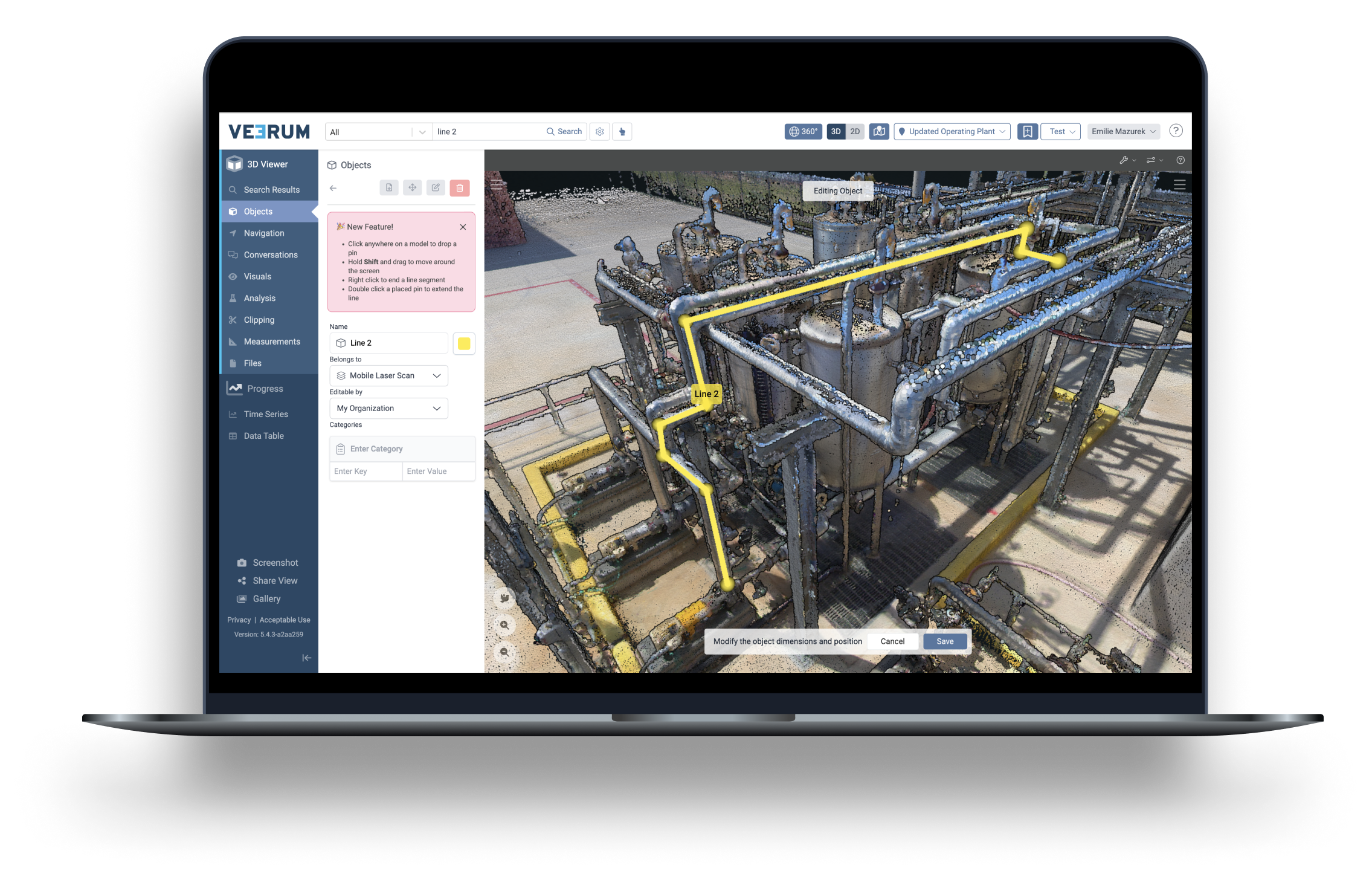
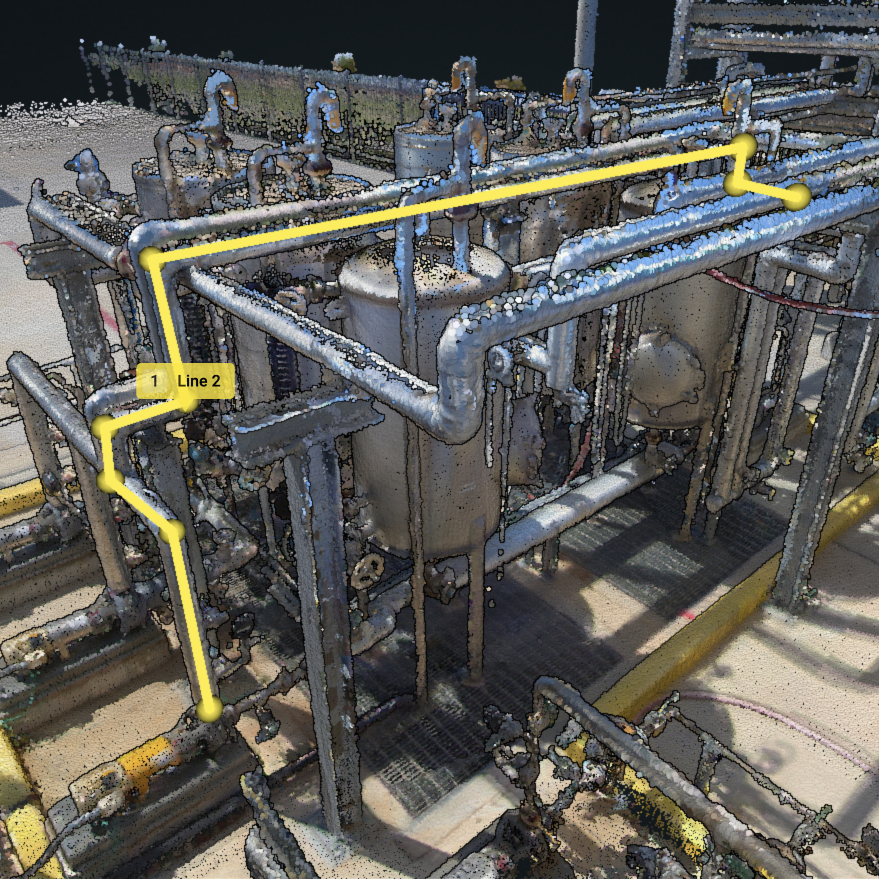
Talking it through, the dev team mentioned VEERUM already had a measurement tool working almost exactly like option 2 — you click points, it draws a line, it tells you the distance. The interaction existed. It just needed extending so the result could be named, saved and exported like a cube.
So option 2 gave up measurement precision and could ship on top of something already built. For a problem this old, usable beat exact. I took the imprecision.
Prototyping
I built the prototype in the dev environment, because Figma couldn't test it
You can't simulate a 3D spatial tool in Figma. A clickable prototype would have tested a picture of the thing, not the thing.
So I worked with the dev team to build something functional directly in the dev environment. Scrappy, but real enough to put in front of people.
Two rounds, seven internal participants. The contractors who actually do the tagging are mostly in India, and the time difference made them impossible to schedule — so we tested internally and accepted that limitation rather than skip testing.
Testing
What testing changed
Finding 01
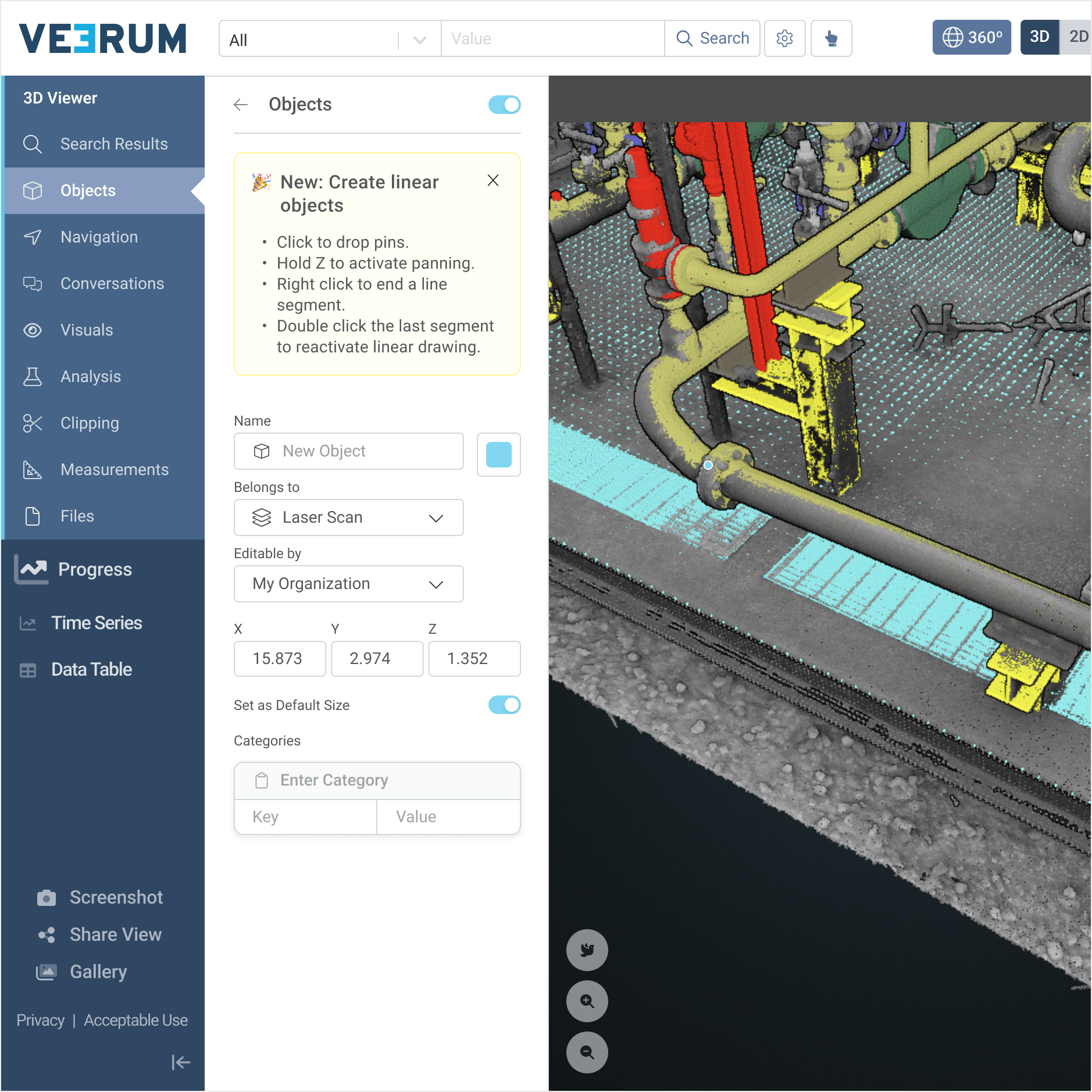
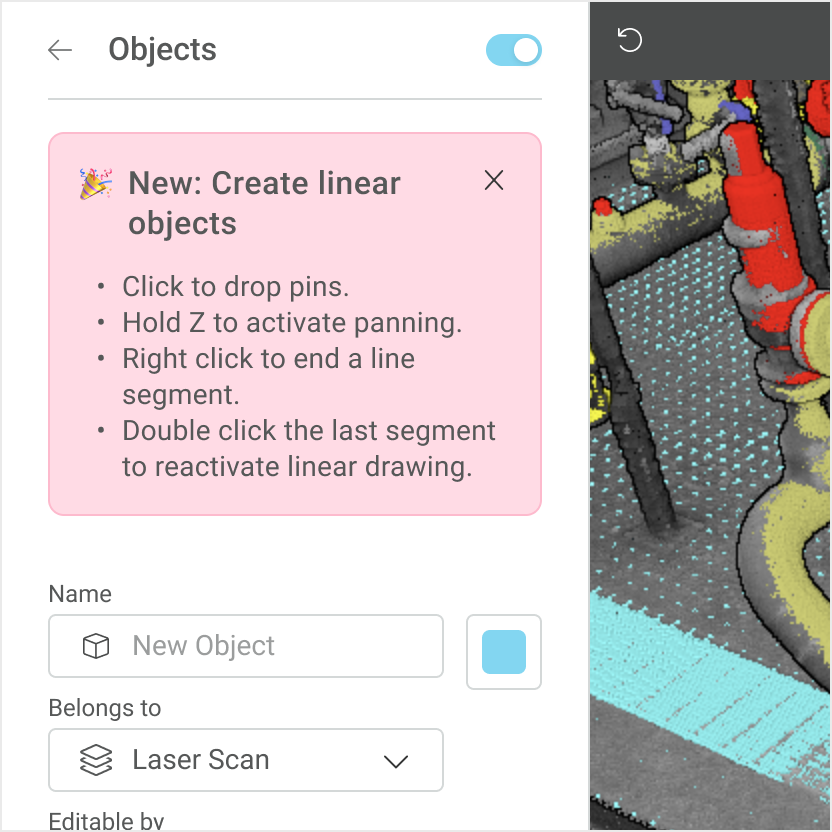
Six of seven tried to keep going after finishing an object
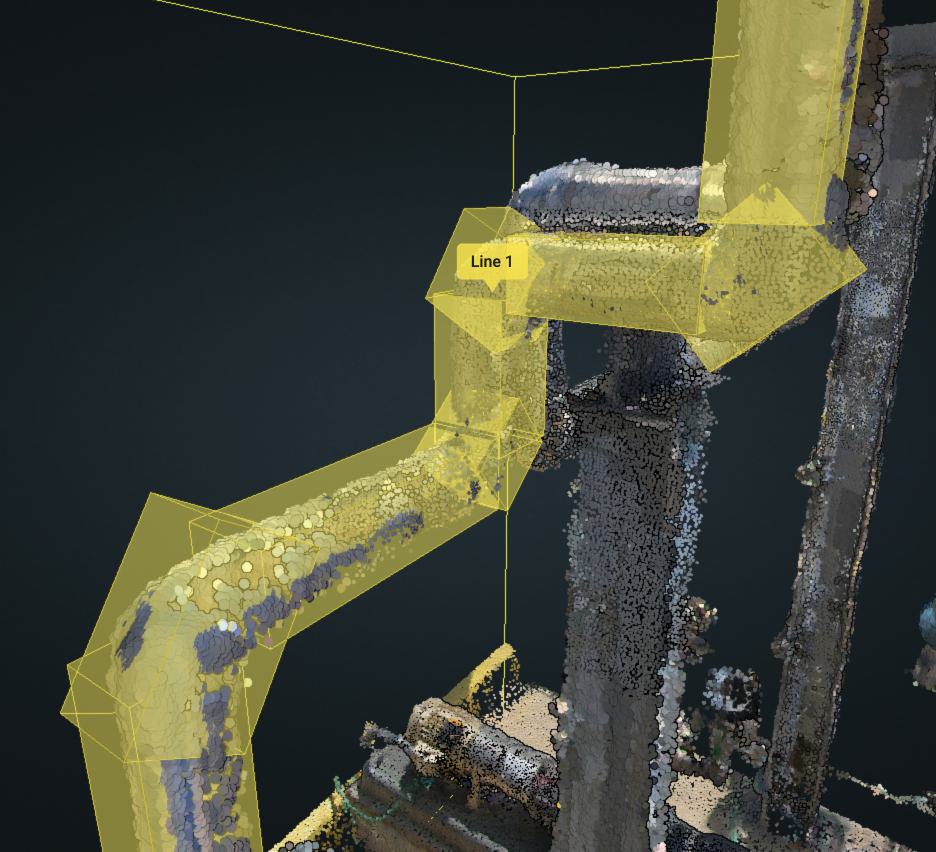
The original design didn't allow it. Now you double-click to reopen an object and extend the line.
Finding 02
Five of seven got stuck rotating the model
Clicking and dragging rotates the 3D view — but in this tool, clicking drops a pin. There was no clean way around it; that interaction was necessary for the tool to feel natural. We added undo as a safety net. People got their bearings and it stopped being an issue.
Finding 03
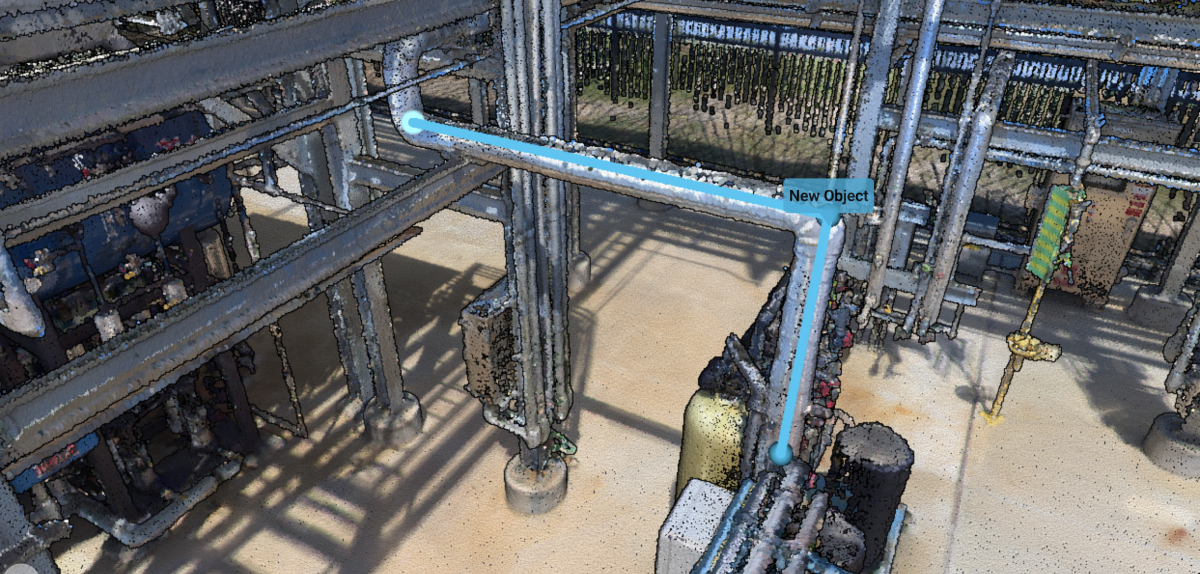
Three of seven asked whether objects would appear in 360° Pano mode
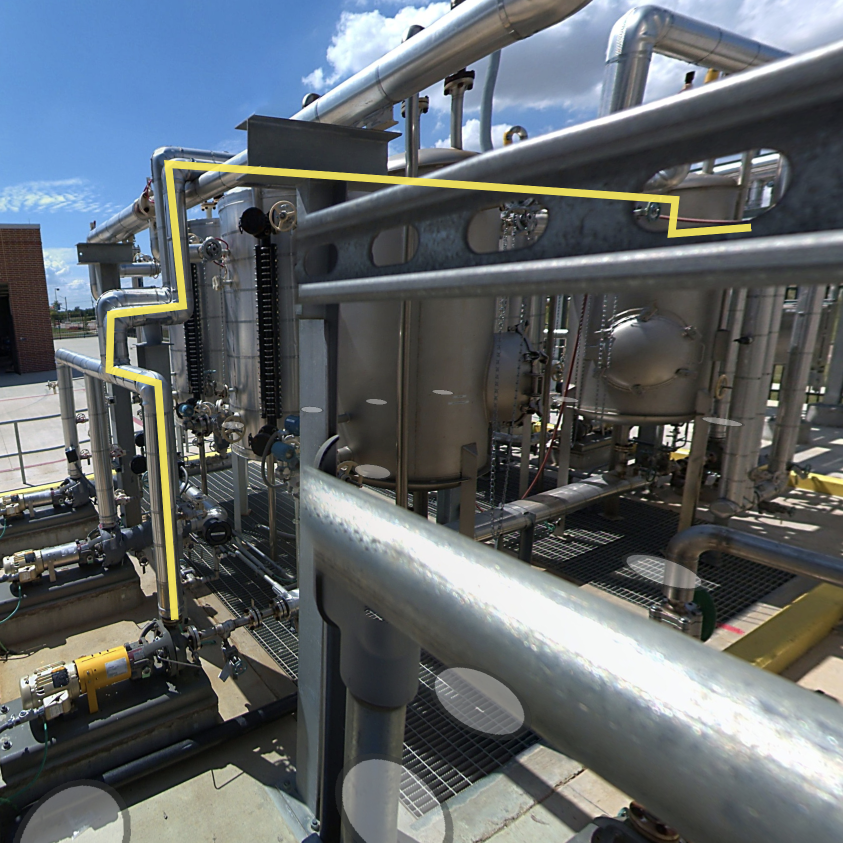
The view most people actually prefer day to day. We hadn't built it. We did.
Impact
Three months of work, done in a week
Contractors kept doing the tagging — outsourcing stayed cost-effective — but faster, more accurately, and with far less friction.
Tagging got 11× faster
13 min 46 sec down to 1 min 24 sec per asset, in a timed A/B test against the cube tool.
Object placement went from 2% to 22%
Of all objects placed on the platform, within months of launch — month over month.
Engineering started sitting with customers
The lead developer watched real people use what he was building, in real time, instead of hearing about it from me. The team kept that on every project after.
Research became something the company could see
VEERUM was shifting product-led, so I presented findings to people who'd never been near the process. It built credibility in how decisions got made, and brought some of the sceptics along.